


I'm Abdel, a McDonald's crew member. Kiosks and the McDonald's app can be convenient, but many guests will need a helping hand at some point, and how you offer that help matters. I have seen how much a friendly offer of help can do.
Kiosks, app features, offers, and payment options may vary by market, franchise organization, and restaurant, and not every restaurant has them. Follow your training and your restaurant's guidance.
Why guests may struggle
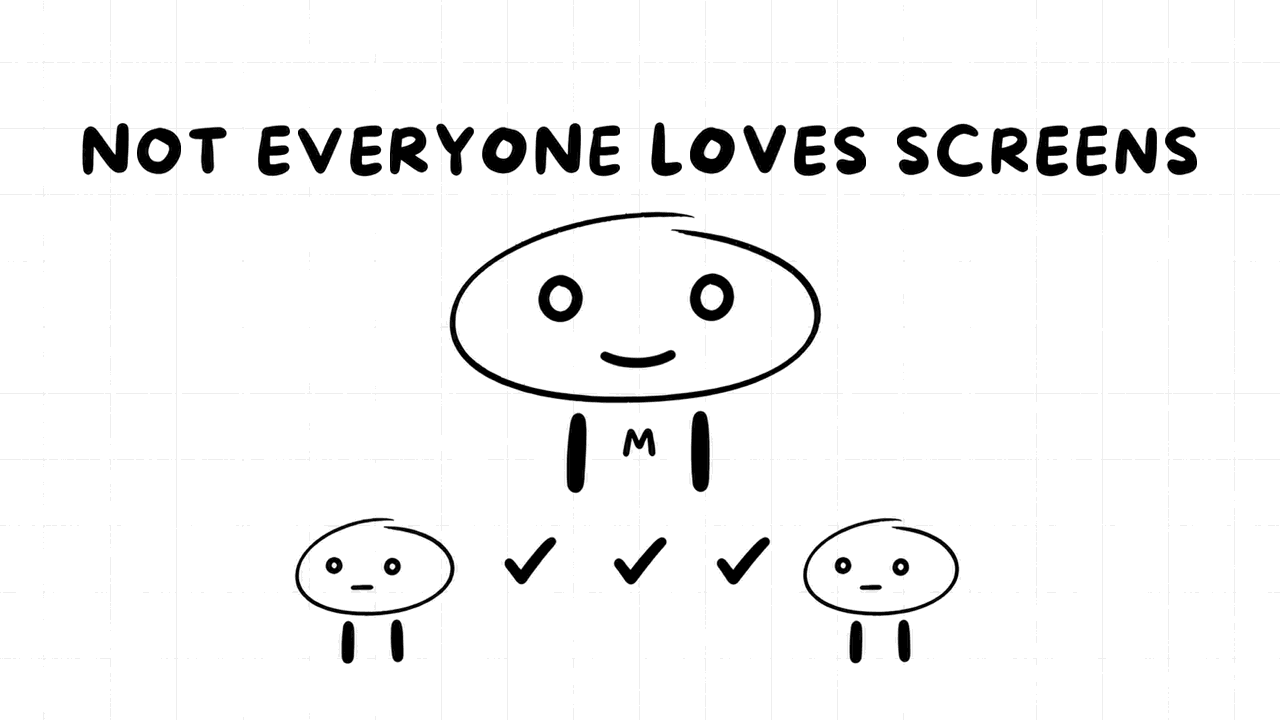
You may use these screens every day, but a guest might be seeing them for the first time. The menu layout may be unfamiliar. They may have trouble reading small text, or find touchscreens difficult. They may be in a hurry, or they may be managing children at the same time. Sometimes the technology itself simply has a problem.
Keep in mind that a guest who is struggling is not being difficult. Treat them as you would like your own family member to be treated.
When to offer help
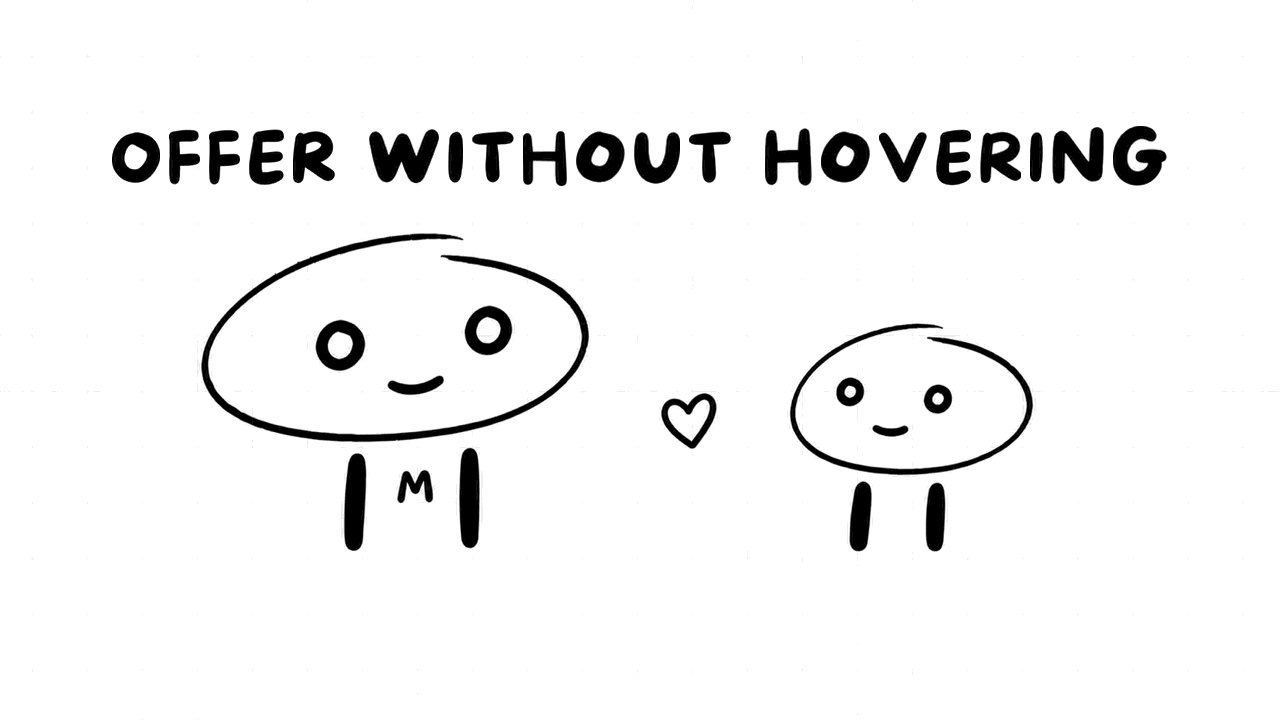
Look out for signs that someone may need assistance:
- They have been standing at the kiosk for a while without progressing.
- They look around as if searching for someone.
- They are tapping repeatedly, or look frustrated.
- They walk away from the kiosk and toward the counter.
A friendly offer is usually enough:
Hi there. Would you like some help with that, or are you doing okay?
Give them space to say no. Some guests would prefer to work it out themselves, and hovering may make them nervous.
How to help with the kiosk
Some simple habits can make it a pleasant experience:
- Stand to one side. Do not crowd the guest.
- Ask what they would like. "What are you looking for today?"
- Show them, and do not take over. Point to the right button, and let them tap if they would like to.
- Explain as you go. "This section has all the drinks."
- Check the order before payment. Confirm that everything looks correct.
- Tell them what comes next. Explain where to wait and how they will know that their order is ready.
If a guest would rather order at the counter, follow your restaurant's approach and make that easy for them. A kiosk is one option, not a test.
Respect privacy and payment
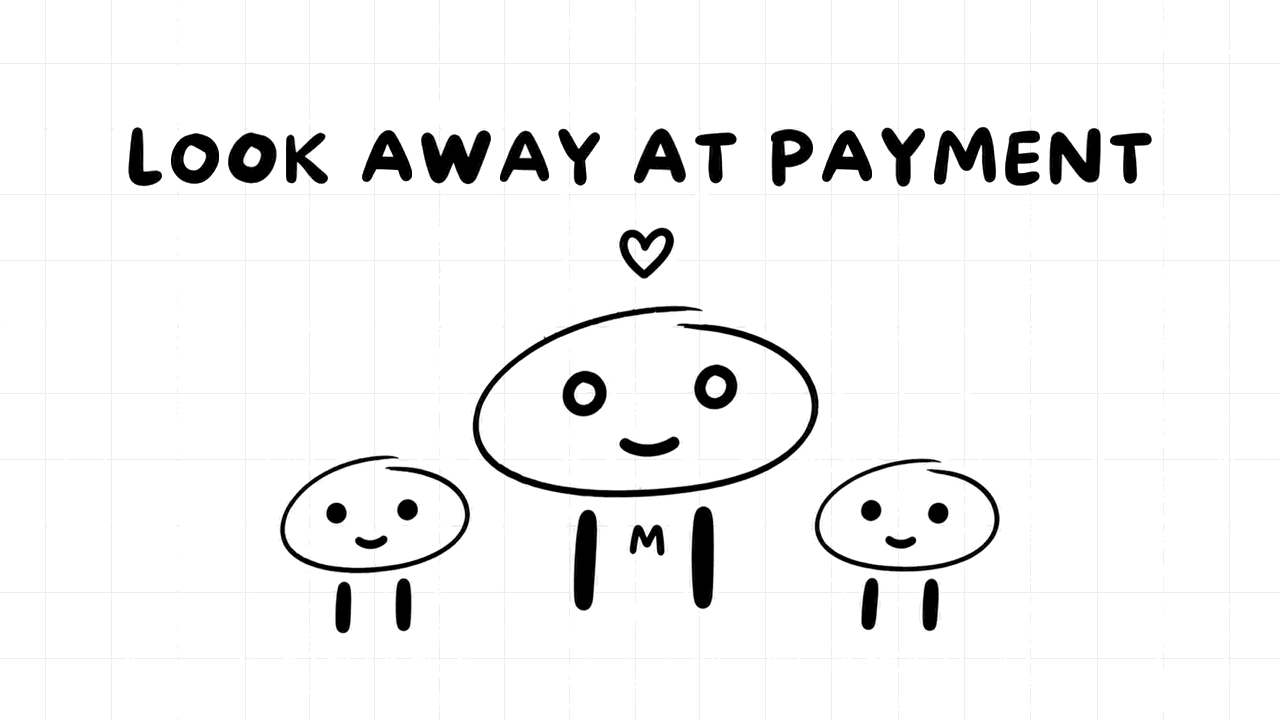
Payment and personal information deserve care:
- Look away while they enter a PIN or card details.
- Never ask for a guest's password.
- Never type sensitive information for a guest, or handle their card unless your process says that you may.
- Be careful with a guest's phone. Let them hold it where possible. If they ask you to look at it, look only at what they are showing you.
- Do not keep or share any information about a guest.
If a guest wants you to log in to their account, kindly explain that you cannot do this and point them to the app's support options.
Common app questions
Here are some questions that guests might ask, and possible responses. Your restaurant's process comes first.
| Guest's concern | A helpful first response |
|---|---|
| "My offer isn't working." | "Let me see what it says. Some offers may have specific conditions, and I can check with my manager." |
| "Where do I pick up my order?" | Explain your restaurant's pickup process |
| "It charged me, but no order came through." | Do not guess. Get your manager |
| "My code won't scan." | Check how your restaurant handles codes, and try the steps you were taught |
| "How do I get points or rewards?" | Explain what you know, and point them to the app for details |
| "Can I change my order?" | Check the process with your manager |
You are not expected to be technical support, and you do not need to know everything. It is better to say "Let me find out" than to promise something that later turns out to be false.
When the technology is the problem
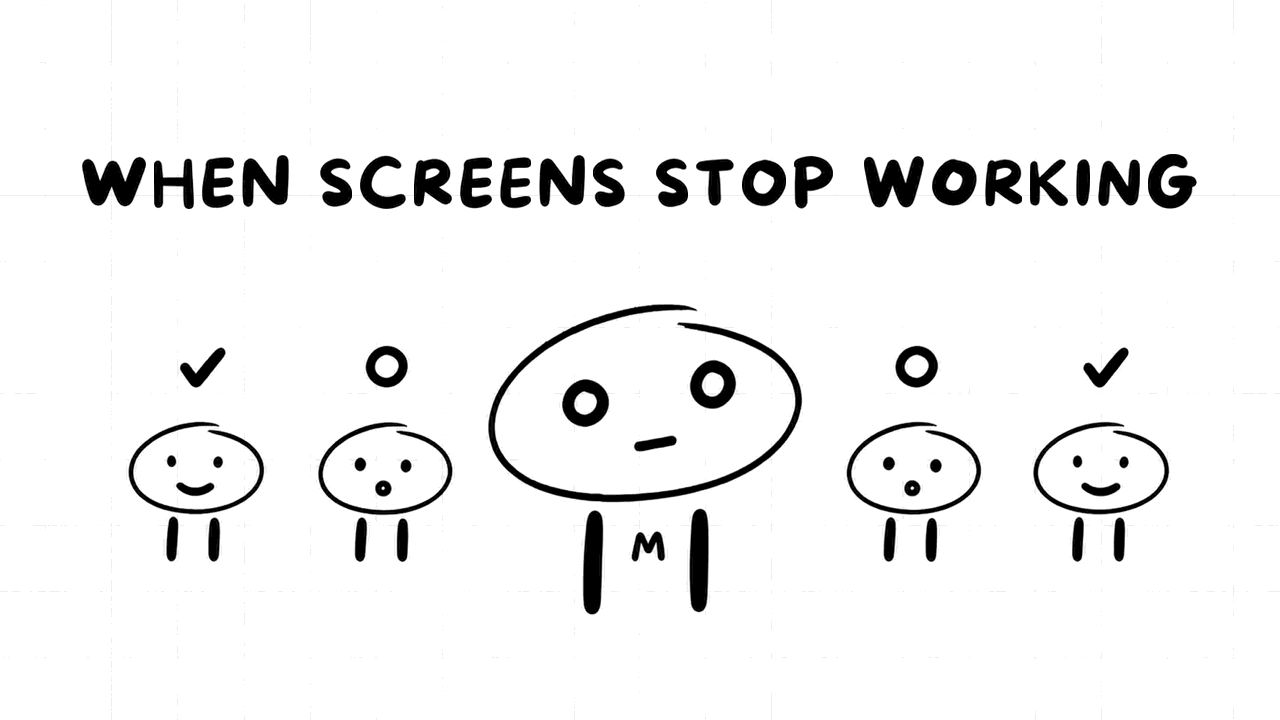
Sometimes kiosks freeze, payments fail, or the app does not connect. Do not spend several minutes trying to fix it while the guest waits. Instead:
- Apologize for the trouble.
- Offer another way to order, if there is one.
- Tell your manager about the issue, so they can decide whether to take the kiosk out of use.
- Do not try to repair the kiosk unless you have been trained to do so.
Be careful with any payment problem. A guest who may have been charged twice needs your manager's help, not a guess. If it falls outside what your restaurant can resolve, they may need to contact the app's own support. This guide to handling complaints has more on working through these situations.
Guests with accessibility needs
Some guests may have difficulty using a touchscreen because of vision, mobility, or other needs. Ask how you can help, and do not assume. Offer to read options aloud, or to take their order another way if your restaurant allows it. The most important thing is that they can order with dignity.
Never comment on a guest's age or abilities. "These machines are hard for older people" may be meant kindly, but it rarely sounds that way.
Balancing kiosks with everything else
During a rush, you may not have time to stay at the kiosk for long. Tell guests: "I'll help you get started, and I'll be right back if you need anything else." Let your manager know if a lot of people need kiosk help, as your manager may want to position someone there.
Some restaurants have a team member who welcomes guests and guides them through the process. This kind of work can be rewarding, and it is closely connected with what a Guest Experience Leader may do. Ask if this interests you.
Stay patient and kind
You may be asked the same question many times in one shift, but this may be the first time that the person in front of you has asked it. Stay friendly, keep your explanations simple, and be patient. Your calm can make someone feel less embarrassed and more willing to try again.
Moments like these are part of the guest's overall experience, and they tend to affect customer satisfaction more than you would think.
Once an app order is placed, it still has to reach the guest correctly. This guide to handling mobile and delivery orders explains that side of the work.
Final thoughts
The technology may change from year to year, but what guests need from you probably will not. Notice when someone is struggling, offer help gently, respect their privacy, and ask your manager when you are not sure.
A kiosk can take an order, but it cannot make someone feel welcome. That part is still up to you.


